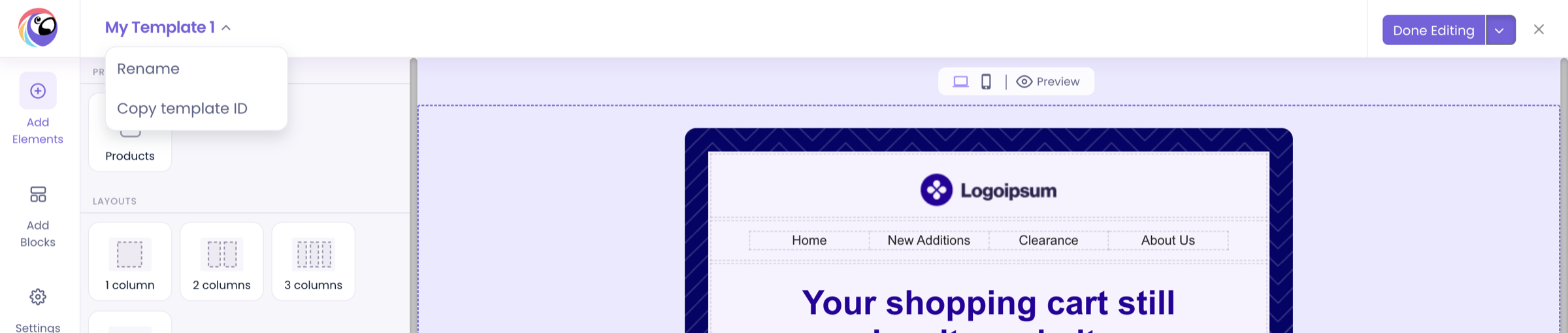

How to copy a template UID from the Poptin Email Editor for API requests.
Template email requests require a template_uid. You can copy it directly from the Poptin Email Editor.
Copy a template UID
- Open the Email Editor with your preferred template.
- Click the template name in the top-left corner of the editor.
- Select Copy template ID to copy it to your clipboard.
The copied value is the template UID to pass in the template_uid field when calling Send template email to contact.
Where to find it